Getting Started with PilotDuty: Your Ultimate Onboarding Guide
Whether you’re a student pilot, a weekend flyer, or a seasoned pro, the PilotDuty – Logbook app is your co-pilot for automated flight tracking and duty time management. Designed for iPhone and tailored to real-world aviation needs, PilotDuty makes it effortless to log your flights and stay compliant.
Let’s walk you through the onboarding process so you can get airborne—digitally speaking—in just a few minutes.
https://youtu.be/fFCC4L812v4
Step-by-Step Onboarding: From Download to Takeoff
1. Download the App
Head over to the App Store on your iPhone and search for PilotDuty – Logbook. Tap Download and install the app. It’s free to try and simple to set up.
2. Create Your Account
Once the app is open, you’ll be prompted to create an account using your email address or Apple ID. This ensures your data is securely stored and synced across your devices.
3. Set Up Your Aircraft
Add your aircraft to the app by entering basic information like:
Registration number
Aircraft type
Flight category (VFR/IFR, etc.)
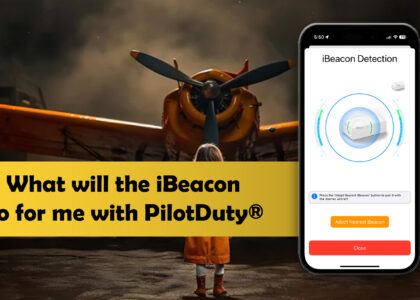
If you’ve purchased a PilotDuty iBeacon®, this is the moment to pair it! Just bring your iBeacon near the aircraft and follow the pairing instructions. This allows for automated flight detection based on proximity and motion.
4. Customize Your Flight Tracking
Tailor your preferences:
Units of measurement (knots, miles, kilometers)
Flight time rounding
Night/day flight detection
Duty period thresholds
PilotDuty uses advanced geolocation, altitude, and speed detection to log your flights accurately—no manual input required.
5. Connect to PilotDuty Manager (Optional)
Are you part of a flight school, club, or commercial operation? Link your profile to PilotDuty Manager to share your flight logs automatically with your organization. This feature enables instructors, dispatchers, or safety managers to track compliance and activity in real time.
6. Start Flying!
Once everything is set up, just go flying. The app does the rest:
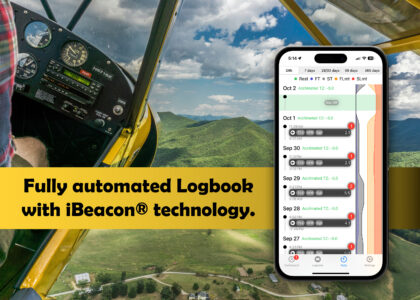
Detects take-off and landing automatically
Logs flight duration and aerodrome locations
Sends notifications if the app is not active when it detects a flight
Pro Tips for a Smooth Start
Keep your Bluetooth and Location Services enabled for optimal tracking.
Test your iBeacon before the first flight to ensure proper pairing.
Use the in-app Support section if you encounter any issues. Our team is here to help.
Ready for Takeoff?
PilotDuty was built by pilots, for pilots—with simplicity, automation, and compliance in mind. The onboarding experience is just the beginning. With every flight, the app becomes your trusted digital co-pilot.
Download PilotDuty today and elevate your flying experience.
Would you like a French version of this blog post as well?.